

bg_image
img
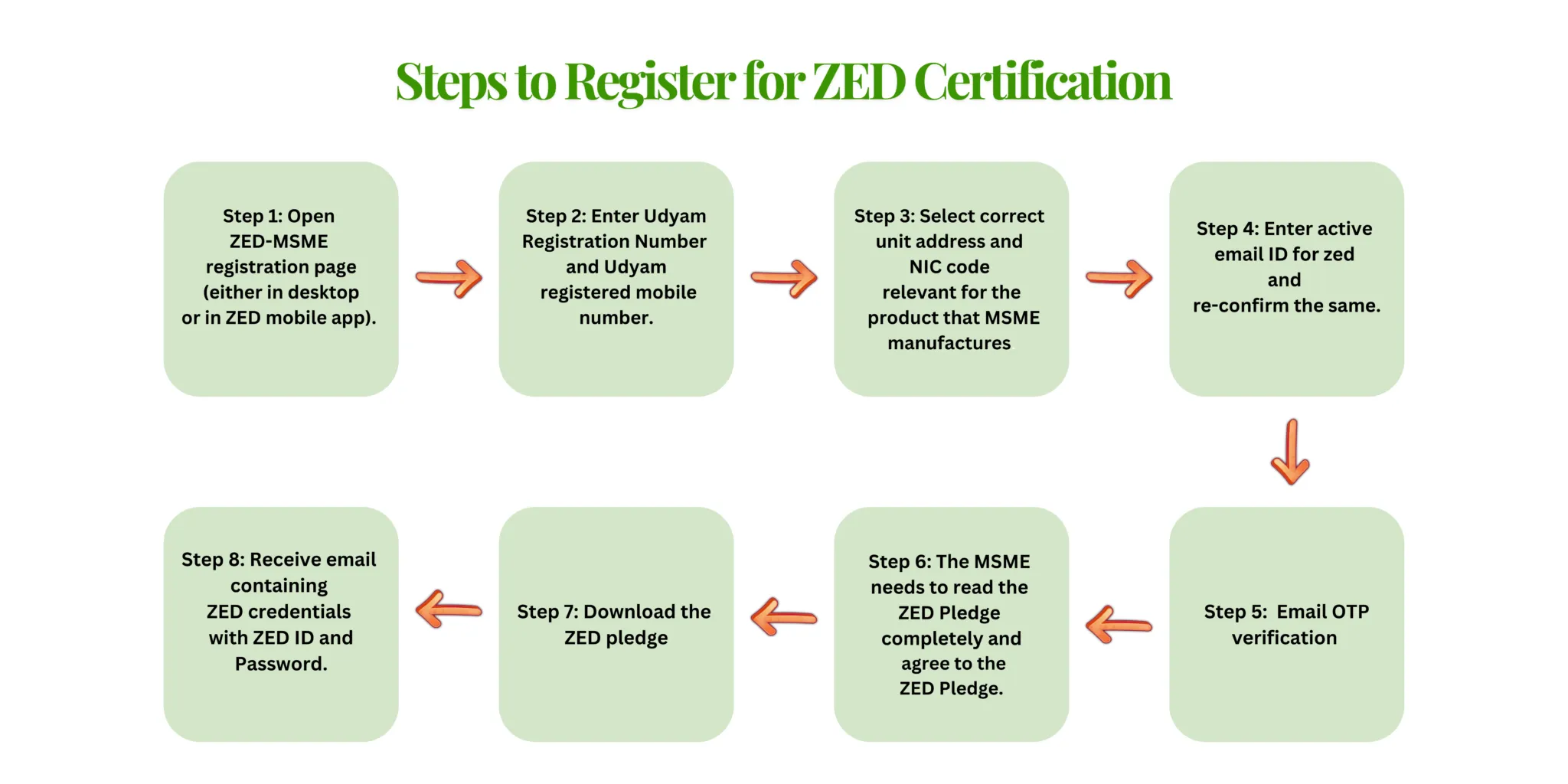
Step-by-Step Guide to Register for ZED Certification

Our Company & Partners

Step - 1

Step 1: Open ZED-MSME registration page (either in desktop or in ZED mobile app)

1

Step - 2

Step 2: Description for this block. Use this space for describing your block. Any text will do

2

Step - 3

Step 3: Description for this block. Use this space for describing your block. Any text will do.

3

Step - 4

Step 4: Enter active email ID for zed and re-confirm the same (Because their ZED credentials will come on the filled email ID and Udyam registered email ID is not mandatory).

4

Step - 5

Step 5: Email OTP verification

5

Step - 6

Step 6: The MSME needs to read the ZED Pledge completely and agree to the ZED Pledge.

6

Step - 7

Step 7: Download the ZED pledge (whether in ZED mobile app or in ZED registered email ID)

7

Step - 8

Step 8: Receive email containing ZED credentials with ZED ID and Password. Keep it note, it will be useful in the next process.

8

Have Questions?

We’d love to hear from you. Whether you're looking for information or a consultation, reach out now!